
Every IPTV Compatible Device for UHF IPTV in 2026
UHF IPTV works on Smart TVs, Firestick, Android boxes, Apple TV, phones, tablets, and PCs. One subscription — unlimited devices. Stream in HD & 4K anywhere.
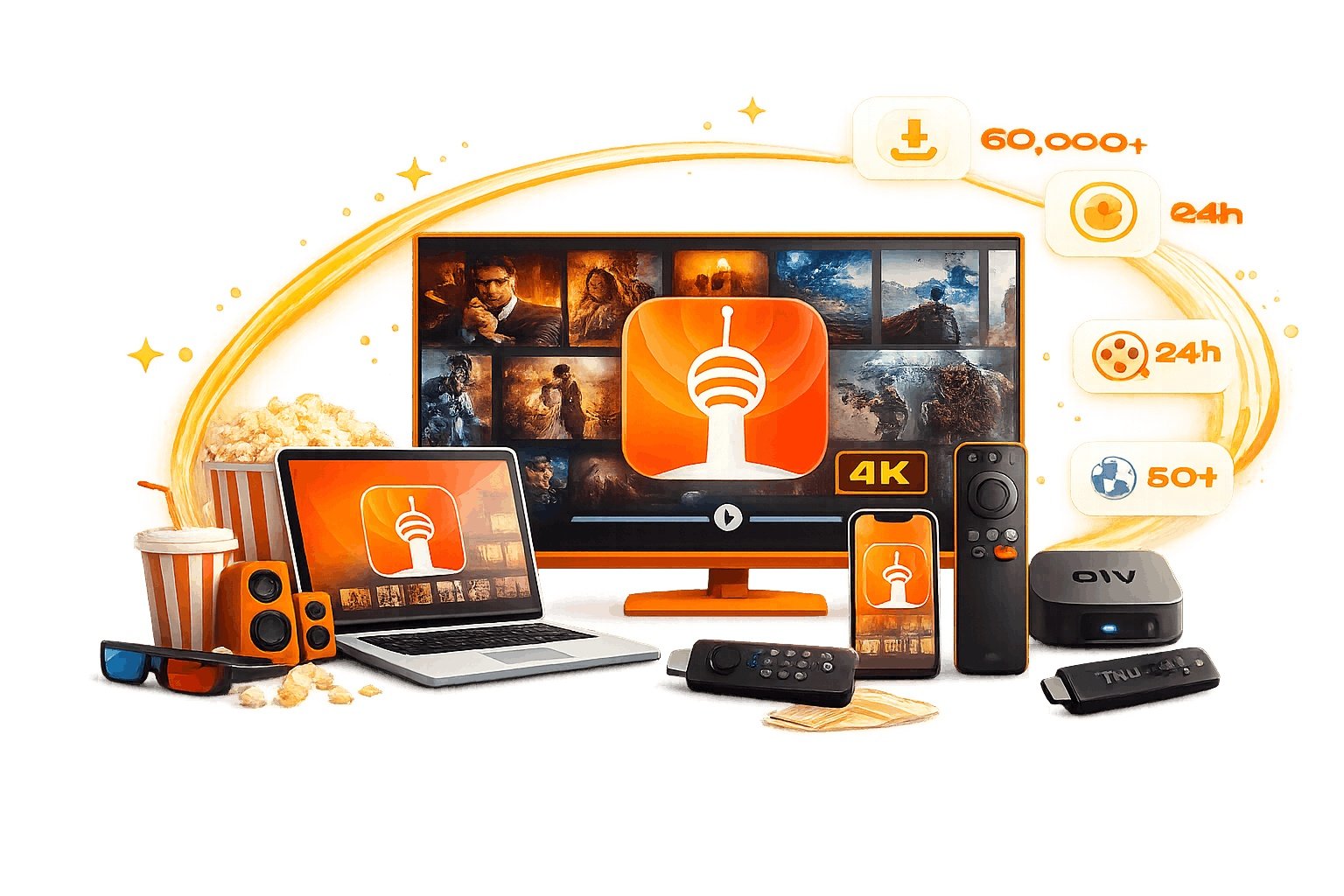
UHF IPTV Compatible Devices
Whether you own a Smart TV, a streaming stick, or just a smartphone — these IPTV compatible devices have you covered on every screen.
Smart TV (Samsung, LG, Sony)
All major Smart TV brands running Tizen OS (Samsung), webOS (LG), or Android TV (Sony, Philips) are fully supported by UHF IPTV.
Amazon Firestick & Fire TV
Amazon Firestick 4K, Fire TV Stick Lite, and Fire TV Cube all work seamlessly with UHF IPTV. Easy installation in under 5 minutes.
Android TV Box
Android boxes like Nvidia Shield, Xiaomi MI Box, Mecool, and other Android TV devices deliver smooth 4K IPTV playback with UHF IPTV.
Apple TV 4K (Gen 1–4)
Apple TV 4K and HD models are top-tier IPTV devices for UHF IPTV. Crystal-clear 4K Dolby Vision playback with no buffering.
iPhone & iPad (iOS / iPadOS)
Stream UHF IPTV on any iPhone or iPad running iOS 14+. Watch live sports, movies, and TV channels on the go at full HD quality.
Android Phone & Tablet
Samsung Galaxy, OnePlus, Xiaomi, and all Android 6.0+ phones and tablets work with UHF IPTV via apps from the Google Play Store.
Windows PC & Laptop
Watch UHF IPTV on any Windows 10 or 11 PC using VLC Media Player or IPTV Smarters for Windows. No special hardware required.
Mac (macOS)
MacBook, iMac, and Mac Mini users can enjoy UHF IPTV using VLC or IPTV players available on the Mac App Store. Compatible with macOS 11+.
MAG Box & Enigma2
Stalker Portal compatible MAG 250, 254, 256, 322, 324 and Enigma2 set-top boxes are supported by UHF IPTV via portal URL configuration.
Start Streaming in 3 Simple Steps
Get UHF IPTV up and running on any of your IPTV compatible devices in under 5 minutes. No technical skills required.
Choose Your Plan
Browse our subscription plans and select the one that fits your needs — monthly, quarterly, or annual.
Get Your Credentials
After payment, receive your M3U URL or Xtream Codes login details instantly by email. Takes under 2 minutes.
Install & Enjoy
Open your preferred IPTV app on any compatible device, enter your credentials, and start streaming 40,000+ channels.
Recommended IPTV Player Apps
These apps deliver the best experience with your UHF IPTV subscription across all IPTV compatible devices.
IPTV Smarters Pro
Best all-round IPTV player. Works on Android, iOS, Firestick, Smart TV, and Windows.
FreeTiviMate
Premium Android TV IPTV player with a beautiful EPG guide and catch-up support.
Free + ProVLC Media Player
Open-source, cross-platform player. Ideal for PC, Mac, and Android. Supports M3U playlists.
100% FreeGSE Smart IPTV
Top-rated iOS and Apple TV IPTV player with advanced EPG and multi-screen support.
Free + ProXCIPTV
Feature-rich Android and Firestick app with Xtream Codes API and M3U support.
FreeIBO Player Pro
Elegant IPTV player for Android TV and Firestick with smooth channel navigation.
FreeBob Player
Lightweight and fast IPTV player for Android phones and tablets. Great for mobile use.
FreeFlex IPTV
Top IPTV player for iPhone, iPad, and Apple TV. Clean interface with great 4K support.
Free + ProRecommended Internet Speed per Quality
Make sure your connection meets the minimum requirements for each streaming quality level on your IPTV compatible device.
| Stream Quality | Min. Speed | Recommended | Best For |
|---|---|---|---|
| SD (480p) | 5 Mbps | 8 Mbps | Mobile Data, Travel |
| HD (720p) | 10 Mbps | 15 Mbps | Phones, Tablets |
| Full HD (1080p) | 20 Mbps | 25 Mbps | Smart TV, Firestick |
| 4K Ultra HD | 25 Mbps | 50 Mbps | 4K TV, Apple TV 4K |
💡 For the most stable experience, use a wired Ethernet connection instead of Wi-Fi when possible.
What Our Customers Say
Thousands of UHF IPTV users streaming daily on their favorite IPTV compatible devices — here's what they think.
"Set it up on my Firestick 4K in literally 4 minutes. The picture quality on sports channels is insane — way better than my old cable provider."
"I use UHF IPTV on my Samsung Smart TV and iPhone. Same account, zero buffering, 4K quality. Best money I spend every month."
"Works perfectly on my Android TV box. TiviMate + UHF IPTV is the ultimate combo. The EPG guide updates automatically too."
Frequently Asked Questions
Everything you need to know about IPTV compatible devices for UHF IPTV.
What IPTV compatible devices work with UHF IPTV in 2026?
UHF IPTV is compatible with Smart TVs (Samsung, LG, Sony), Amazon Firestick & Fire TV, Android TV boxes (Nvidia Shield, Mecool, MI Box), Apple TV 4K, iPhone, iPad, Android phones & tablets, Windows PC, Mac, MAG boxes, and Enigma2 devices. Essentially any internet-connected device supports UHF IPTV.
Does UHF IPTV work on Amazon Firestick?
Yes. All Amazon Firestick models including Firestick Lite, Firestick 4K, Firestick 4K Max, and Fire TV Cube support UHF IPTV. Install IPTV Smarters Pro or TiviMate, enter your UHF IPTV credentials, and you're streaming in minutes.
Can I use UHF IPTV on my Samsung or LG Smart TV?
Yes. Samsung Smart TVs (Tizen OS) support UHF IPTV via IPTV Smarters or SS IPTV from the Samsung App Store. LG TVs (webOS) support Smart IPTV. Android TV-based sets (Sony, Philips) support TiviMate and IPTV Smarters via Google Play.
What internet speed do I need for UHF IPTV?
For HD quality (1080p) a minimum of 10–20 Mbps is recommended. For 4K UHD streaming, 25–50 Mbps ensures a buffer-free experience. A wired Ethernet connection will always outperform Wi-Fi for IPTV stability.
Can I use UHF IPTV on multiple devices simultaneously?
Yes. UHF IPTV offers multi-connection plans so you can stream on several IPTV compatible devices simultaneously. Check our subscription plans to see multi-device options.
Does UHF IPTV offer a free trial?
Yes! UHF IPTV offers a free trial so you can test the service on your device before subscribing. No credit card is required. Click here to claim your free trial.
Which IPTV app works best with UHF IPTV?
For Firestick and Android: TiviMate or IPTV Smarters Pro. For iOS and Apple TV: GSE Smart IPTV or Flex IPTV. For PC and Mac: VLC Media Player or IPTV Smarters for Windows. All support Xtream Codes API and M3U playlists.